How to get your API key
1
Go to openrouter.ai and sign up
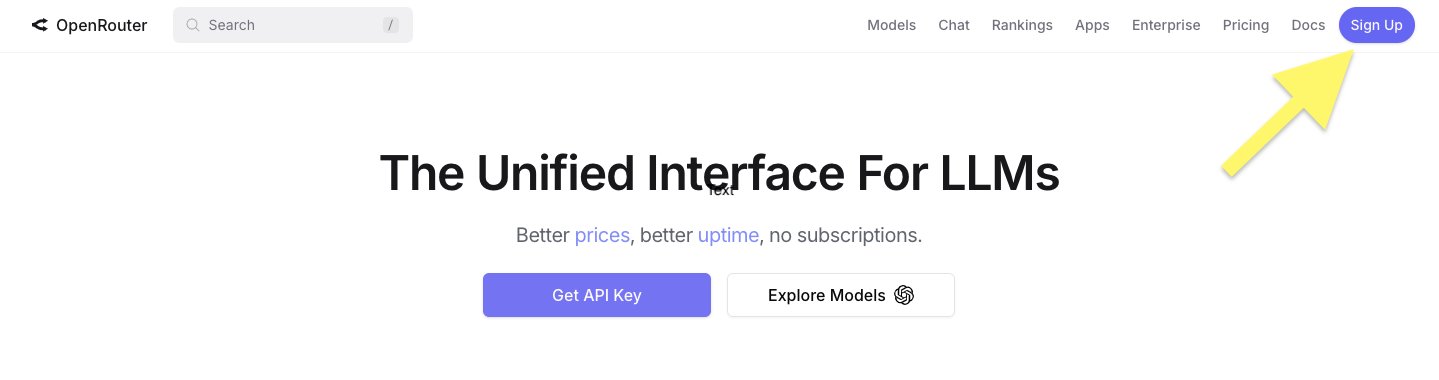
Go to openrouter.ai and click Sign Up in the top right corner.
2
Click "Keys" in the top menu
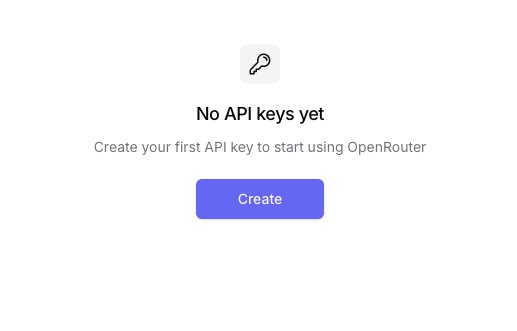
After signing in, click the Create button to make your first key.
3
Create a new key
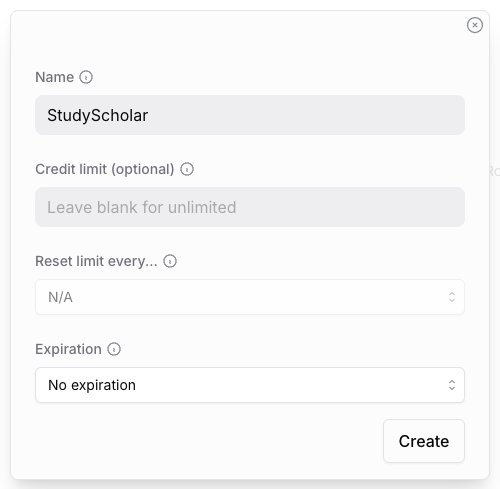
Type The StudyScout as the name, leave everything else as is, and click Create.
4
Copy and paste your key
⚠️ OpenRouter only shows your key once. Copy it immediately! If you miss it, delete it and make a new one.
Paste your key (starts with sk-or-v1-...) into The StudyScout, tick the checkbox, and hit Save & Start →. You're ready! 🎉
The StudyScout is an independent student project, not affiliated with OpenRouter or any AI provider.